Software
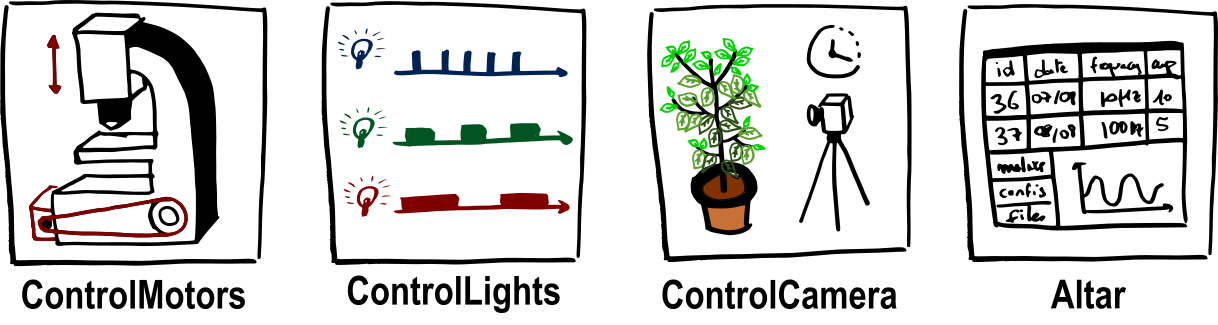
Summary of the available software
ControlSerial - Python serial interface
ControlMotors - Motor control
ControlCamera - Camera acquisition interface
ControlLight - LED and laser control
Install instructions
Begin by installing the packages in a virtual environment. For more information on why virtual environments matter, refer to this page.
git clone https://github.com/Alienor134/UC2_Fluorescence_microscope.git
cd UC2_Fluorescence_microscope
git submodule update --init --recursive
conda create -n control python=3.10
conda activate control
cd ControlSerial
pip install -e .
cd ..
cd ControlMotors
pip install -e .
cd ..
cd ControlCamera
pip install -e .
cd ..
cd ControlLight
pip install -e .
Install the libraries required for Arduino following the README instructions in ControlSerial and ControlMotors.
[optional]
If you want to install a data management strategy, implement the data management directly at the instrument level using Sacred. Then use the Altar suite to interact with the data.
Example of use
For an example of project using this software you can refer to this page.